Read your assigned brief
You doOpen the task, arrival window and practical instructions for your service.
Other peopleThe organizer prepares and publishes the assignment and chooses what to share with you.

Use the schedule and brief shared for your service to see where to be, what to prepare and who to contact. The organizer can keep resources and instructions with the work they support.
Early access. Create an account and confirm your email. To join an existing wedding, ask its couple or organizer for access.
Vendors
You doOpen the task, arrival window and practical instructions for your service.
Other peopleThe organizer prepares and publishes the assignment and chooses what to share with you.
You doConfirm that you have read the published brief for your work.
Other peopleThe organizer can see the acknowledgement. If instructions change, check the current version before confirming.
You doReturn to the location, timing and contact details provided with your assignment.
Other peopleThe organizer controls which contact and practical details are included in the shared brief.
Follow one task from start to finish
Read the assignment, acknowledge the published instructions and keep the venue, timing and contact close.
Who acts: Vendors
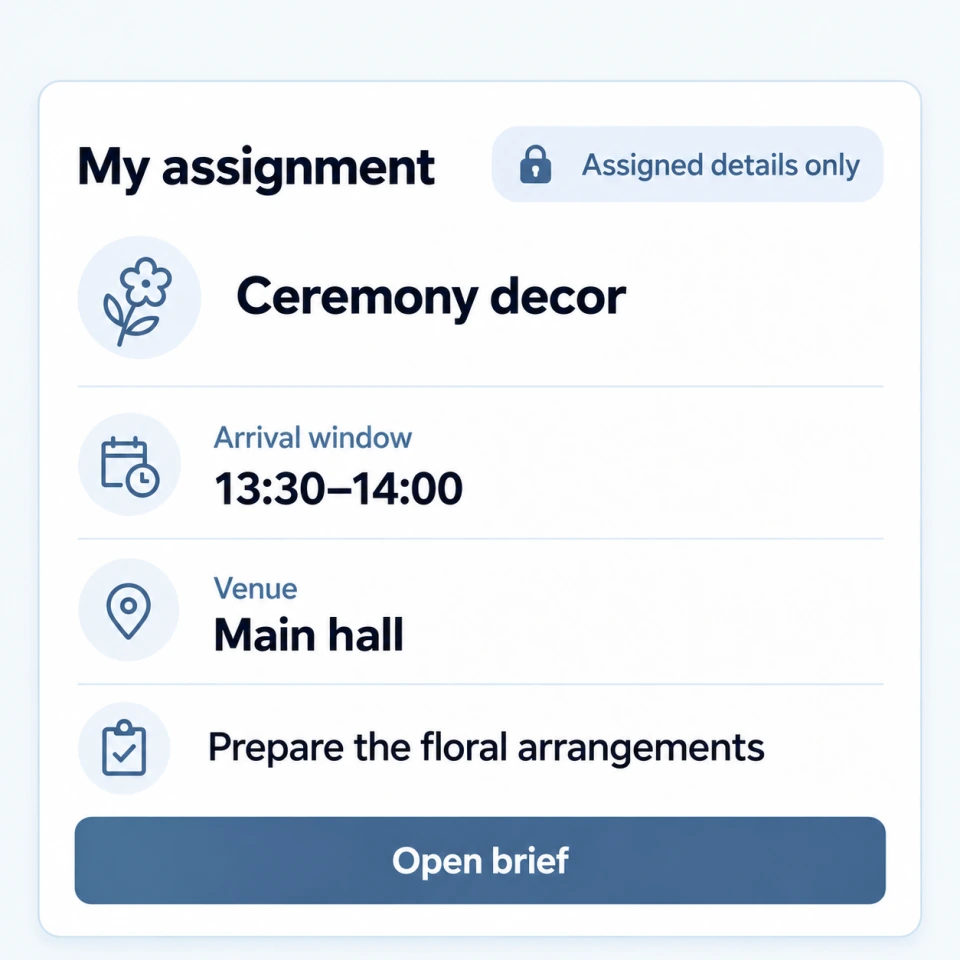
ActionRead the service brief and arrival window shared for your work.
ResultYou know the task and the version of the published instructions you are working from.
Who acts: Vendors
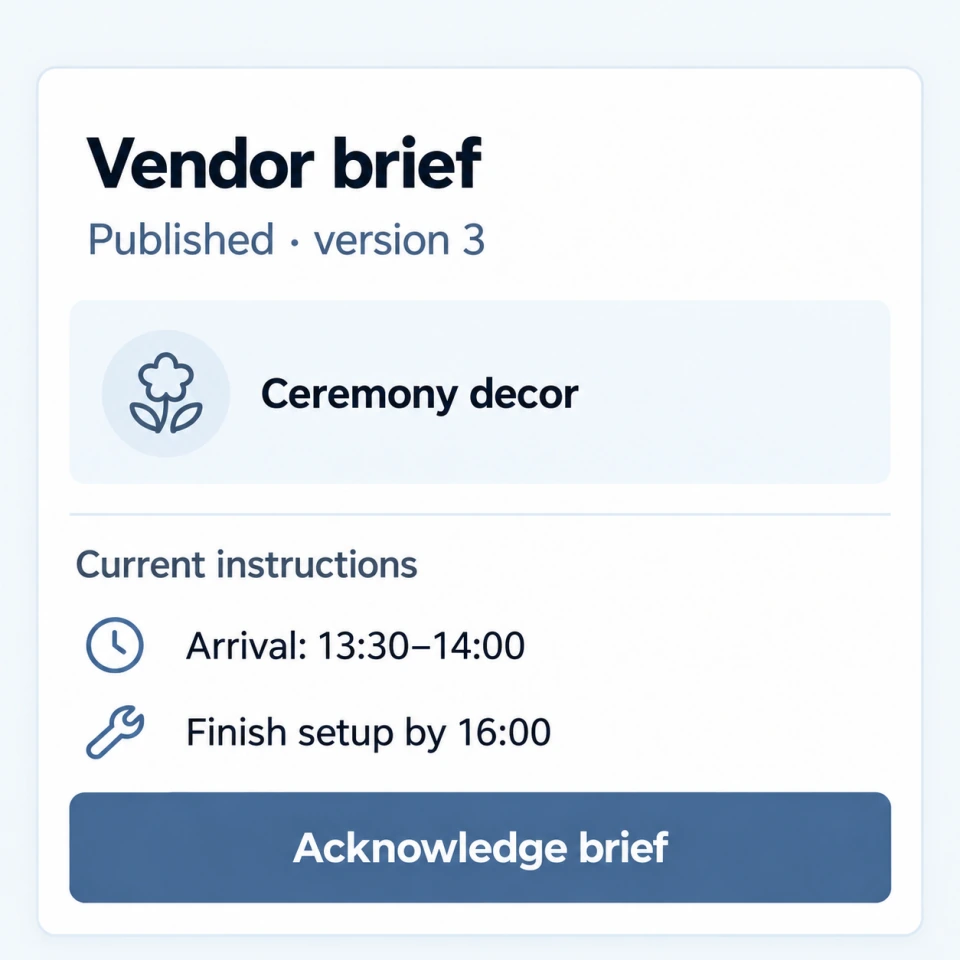
ActionReview the current instructions and acknowledge them.
ResultThe organizer can check that this version has been seen.
Who acts: Vendors
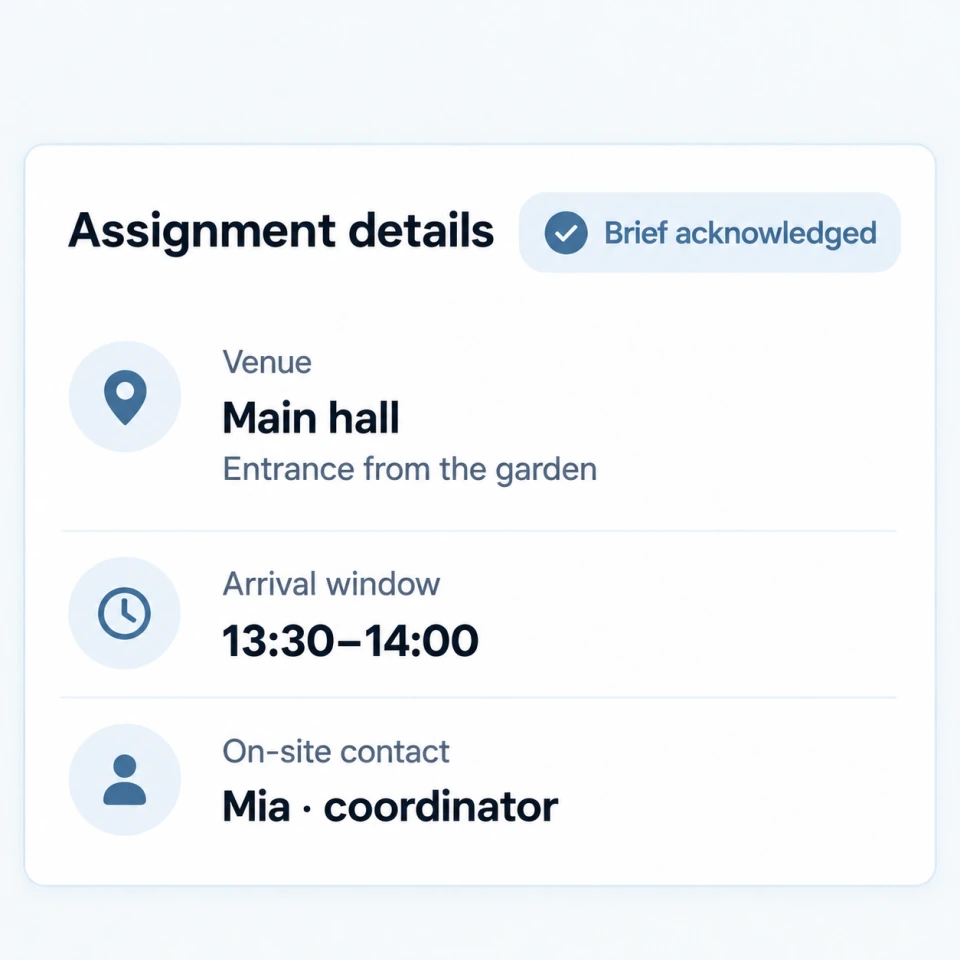
ActionKeep the assigned venue, time and shared contact available when travelling and setting up.
ResultYour work has a clear location and handoff without exposing the whole wedding plan.
See the schedule and practical details shared for your service, then acknowledge the instructions your team receives.
Where your organization has access, equipment reservations and stock records help prepare the items assigned to an event.
A vendor sees the schedule, brief, arrival details and contacts shared for that vendor's part of the event.
A vendor role does not automatically open the whole plan. The organizer shares the events, instructions and other details needed for that service.
Yes. Vendors can confirm that they have seen an instruction. The organizer can check which instructions have been acknowledged.
Explore next
Early access. Create an account and confirm your email. To join an existing wedding, ask its couple or organizer for access.
Create account