Collect ideas and share a brief
You doSave inspiration before choosing a date, then select the ideas you want to discuss.
Other peopleAn organizer sees the selected brief you share, rather than your whole private album.

Plan together, collect ideas before the wedding workspace exists, and keep guest decisions and memories in one private place. Choose what to share with an organizer, guests or family.
Early access. Create an account and confirm your email. To join an existing wedding, ask its couple or organizer for access.
Couple
You doSave inspiration before choosing a date, then select the ideas you want to discuss.
Other peopleAn organizer sees the selected brief you share, rather than your whole private album.
You doReview guest replies and the menu and seating decisions in your wedding plan.
Other peopleGuests answer their own invitations. Your organizer can help with the guest work you share.
You doChoose gallery access, download permissions and retention for collections you manage.
Other peopleGuests and photographers contribute through the access you provide; other viewers see only shared collections.
Follow one task from start to finish
Start with a private inspiration album, share selected ideas as a brief and review the transfer into your wedding.
Who acts: Couple
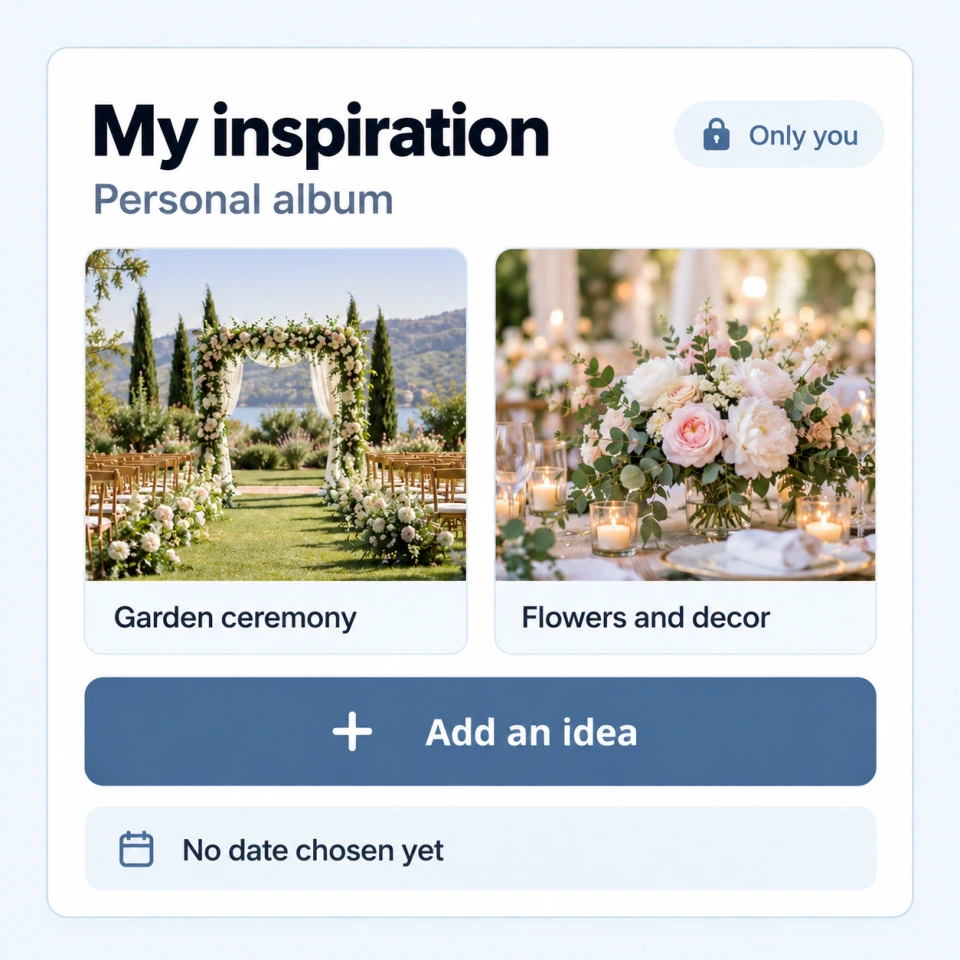
ActionAdd the places, clothes and details you like to your personal inspiration album.
ResultYour ideas stay together even before a wedding date is set.
Who acts: Couple
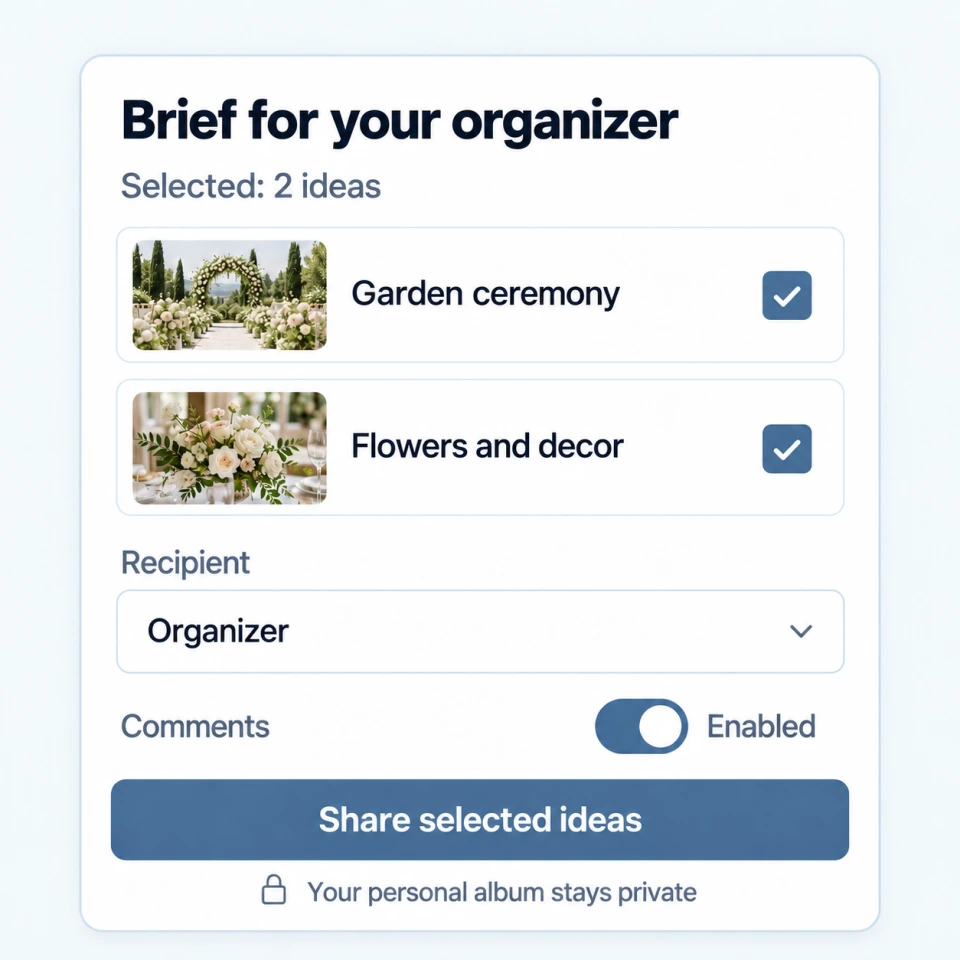
ActionSelect the cards and practical notes for your brief, then share that selection with an organizer.
ResultThe conversation starts from the ideas you chose to disclose.
Who acts: Couple
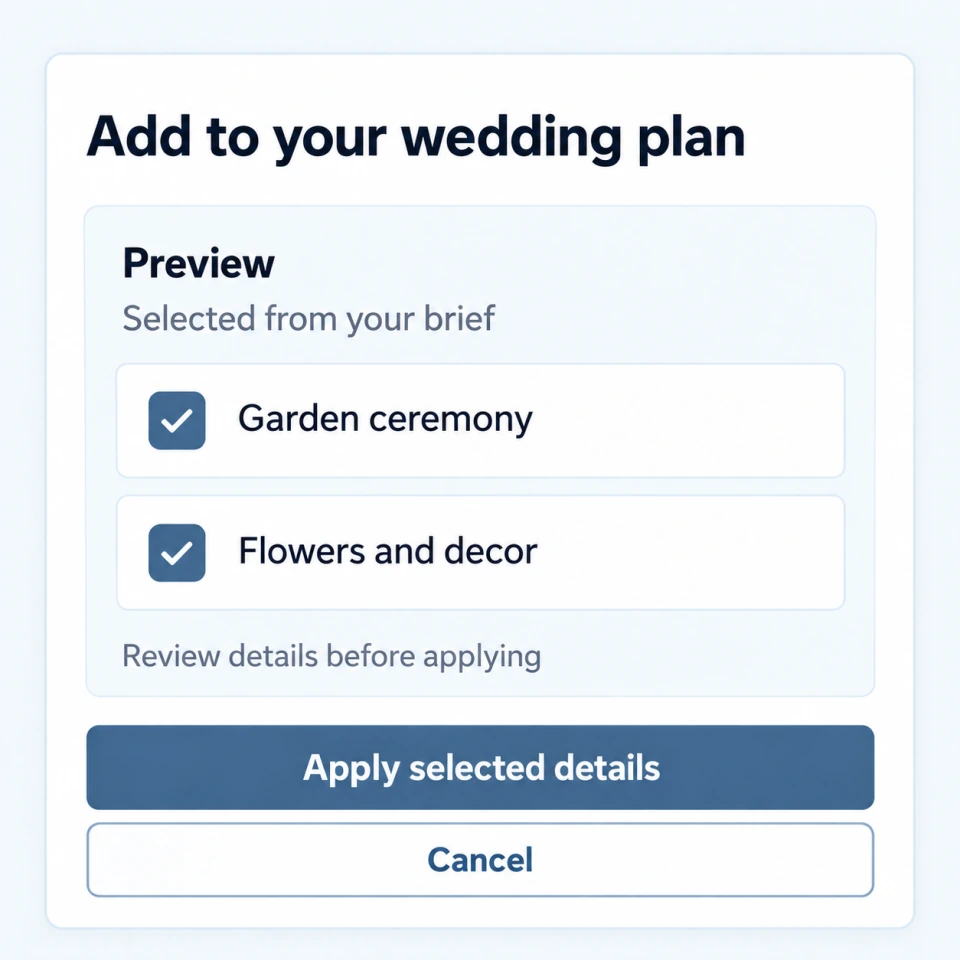
ActionRead the transfer preview and confirm which selected details should enter the wedding workspace.
ResultYou decide what becomes part of the working plan.
Collect inspiration in a personal album before you have a wedding workspace. Share selected items, gather comments and review a brief before deciding whether to apply it.
Keep gift notes and thank-you progress in a private journal after the celebration.
Keep private albums with the wedding, set retention and review photo-book offers. The couple decides whether to proceed.
Yes. A couple can manage the plan themselves and invite an organizer or other contributors when they are ready.
Couples can keep shared decisions about venues, timing, guest replies, menus, seating and private albums in one plan.
Yes. People receive access to the details prepared for their role, while the couple keeps working notes and other private information separate.
Explore next
Early access. Create an account and confirm your email. To join an existing wedding, ask its couple or organizer for access.
Create account