Choose the wedding collection
You doWork with the collection and publishing access assigned to you.
Other peopleThe wedding owner shares the relevant collection permissions; they do not open unrelated wedding information.

Publish selected photos from Lightroom Classic to a Wedumi collection, prepare delivery sizes or watermarked derivatives, and let the couple review and share the finished gallery.
Early access. Create an account and confirm your email. To join an existing wedding, ask its couple or organizer for access.
Photographers
You doWork with the collection and publishing access assigned to you.
Other peopleThe wedding owner shares the relevant collection permissions; they do not open unrelated wedding information.
You doSet delivery size, quality and an optional watermark, then publish selected photos from Lightroom Classic.
Other peopleWedumi prepares delivery derivatives. Original files remain intact; Lightroom Classic is the external publishing step.
You doPublish or update the collection and check the gallery you are handing over.
Other peopleThe couple reviews the gallery and chooses viewing, sharing and download access.
Follow one task from start to finish
Choose the collection, prepare a delivery preset and publish selected photos from Lightroom Classic. The couple reviews the shared gallery.
Who acts: Photographers
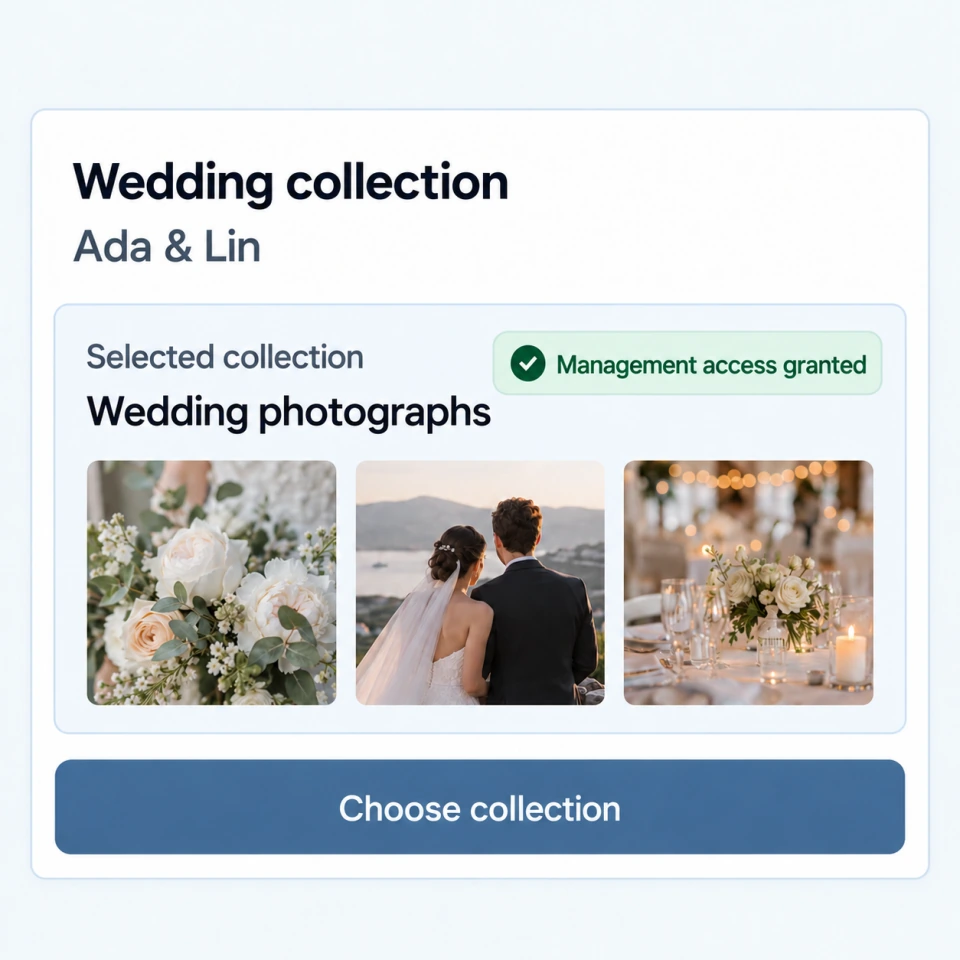
ActionSelect the wedding collection available through your publishing permissions.
ResultThe delivery is connected to the right wedding collection.
Who acts: Photographers
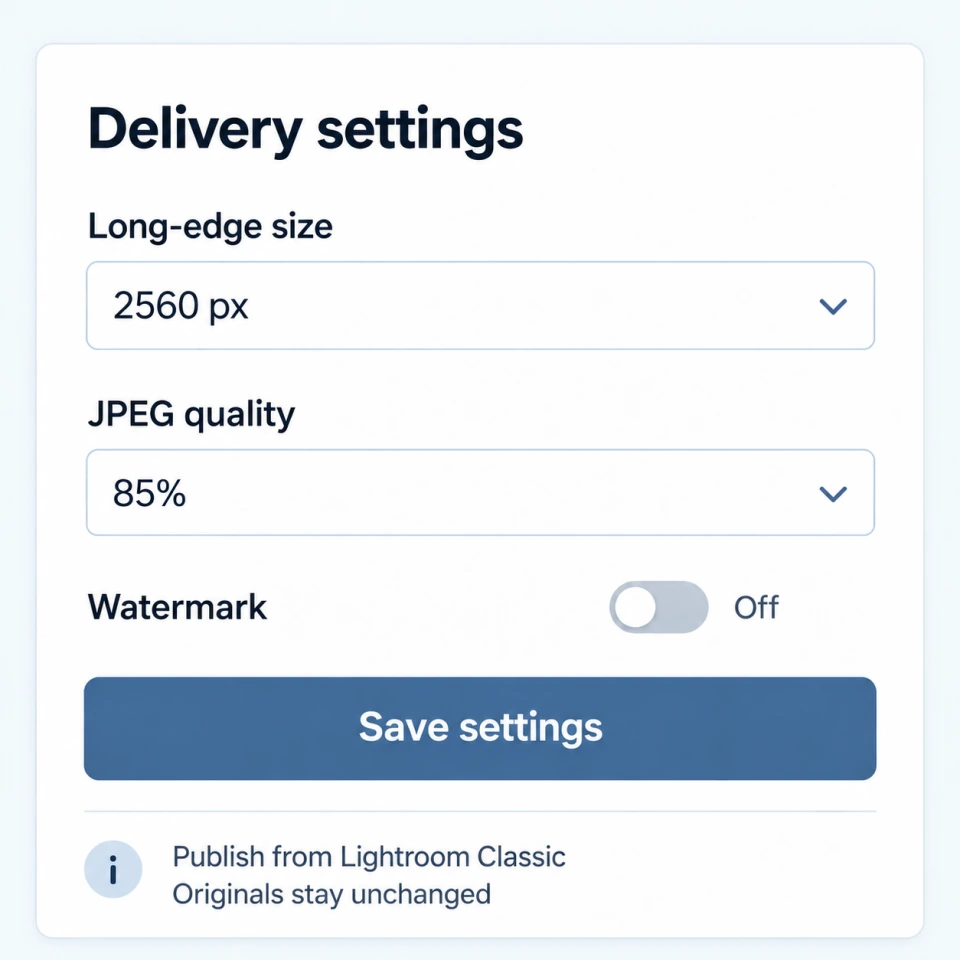
ActionChoose size, quality and an optional watermark; publish selected photos through Lightroom Classic.
ResultDelivery derivatives are prepared without changing the originals.
Who acts: Couple
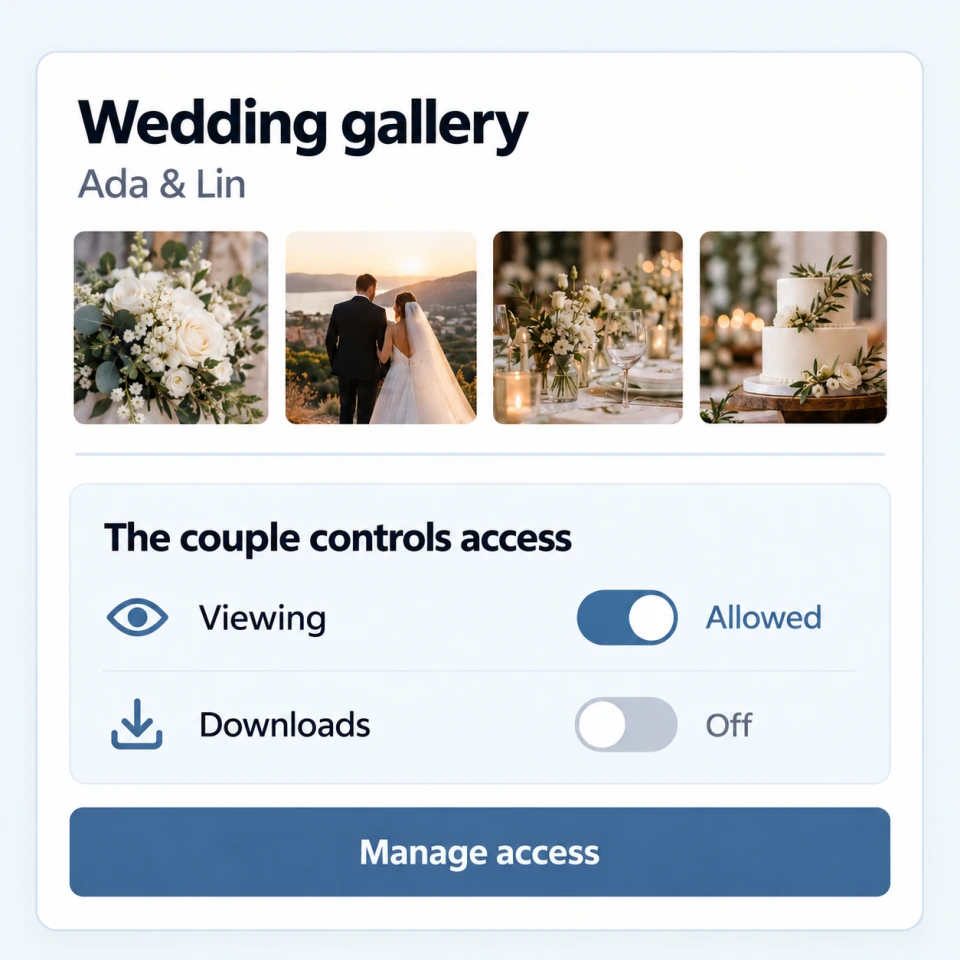
ActionThe couple checks the gallery and chooses who can view, share or download it.
ResultThe finished delivery follows the access chosen by the couple.
Publish selected photos to the wedding collection, then let the couple choose gallery access and review photo-book offers.
Update the published collection through Lightroom Classic and prepare a separate delivery derivative.
Yes. Wedumi provides a Lightroom Classic Publish Service for publishing and updating selected photos in a wedding collection.
No. Size, quality and optional watermark settings create delivery derivatives. The original remains intact.
The couple controls gallery access and can review photo-book offers. An offer does not itself place or fulfil a paid order.
Explore next
Early access. Create an account and confirm your email. To join an existing wedding, ask its couple or organizer for access.
Create account