Plan venues, timing and team work
You doBuild the programme, assign shifts and tasks, and publish the current plan.
Other peopleThe couple agrees decisions; team members work from the assignments and details shared with them.

Bring client work, event delivery and team operations into one organizer workspace. Follow enquiries and reports, set a consistent agency brand, then carry the plan through guest coordination and the wedding day.
Early access. Create an account and confirm your email. To join an existing wedding, ask its couple or organizer for access.
Organizer team
You doBuild the programme, assign shifts and tasks, and publish the current plan.
Other peopleThe couple agrees decisions; team members work from the assignments and details shared with them.
You doPrepare personal invitations, review replies and use permitted guest choices for meals and seating.
Other peopleGuests reply through their personal links. Sensitive wishes and other private details need the corresponding access.
You doFollow the published schedule, assigned tasks and help requests in Today.
Other peopleTeam members and vendors acknowledge their own instructions; the coordinator records arrival separately from RSVP.
Follow one task from start to finish
Publish the plan, assign the people doing the work and follow the current schedule in Today.
Who acts: Organizer team
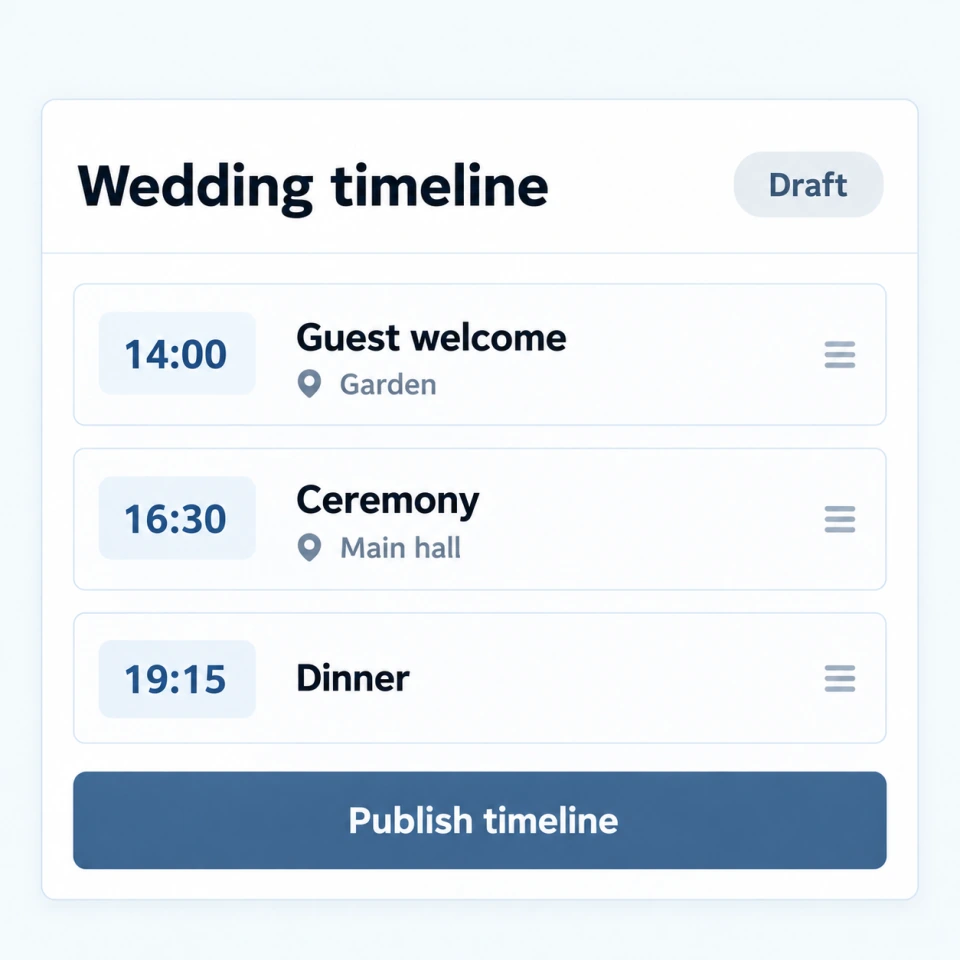
ActionAdd the venues and timings, then check and publish the event programme.
ResultThe team can work from the published plan instead of separate versions.
Who acts: Organizer team
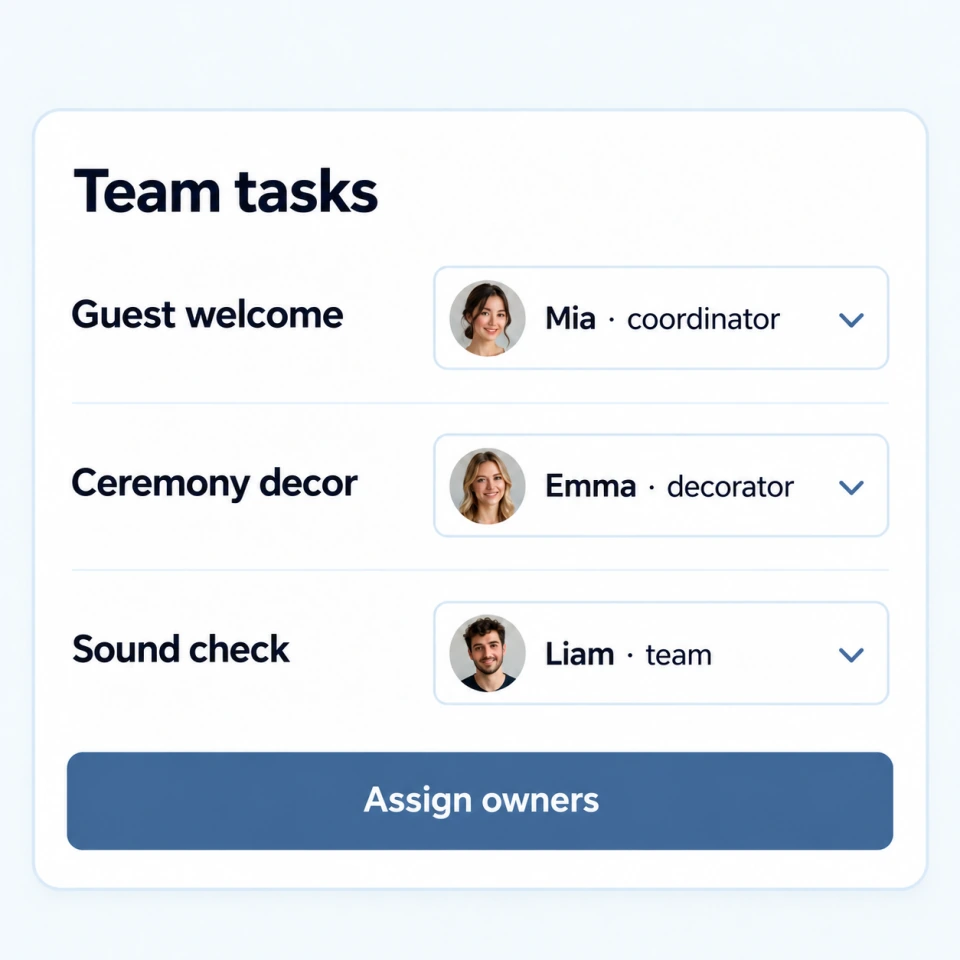
ActionAssign a person, shift or arrival window to the work that needs to happen.
ResultThe next handoff has a named owner and clear working details.
Who acts: Organizer team
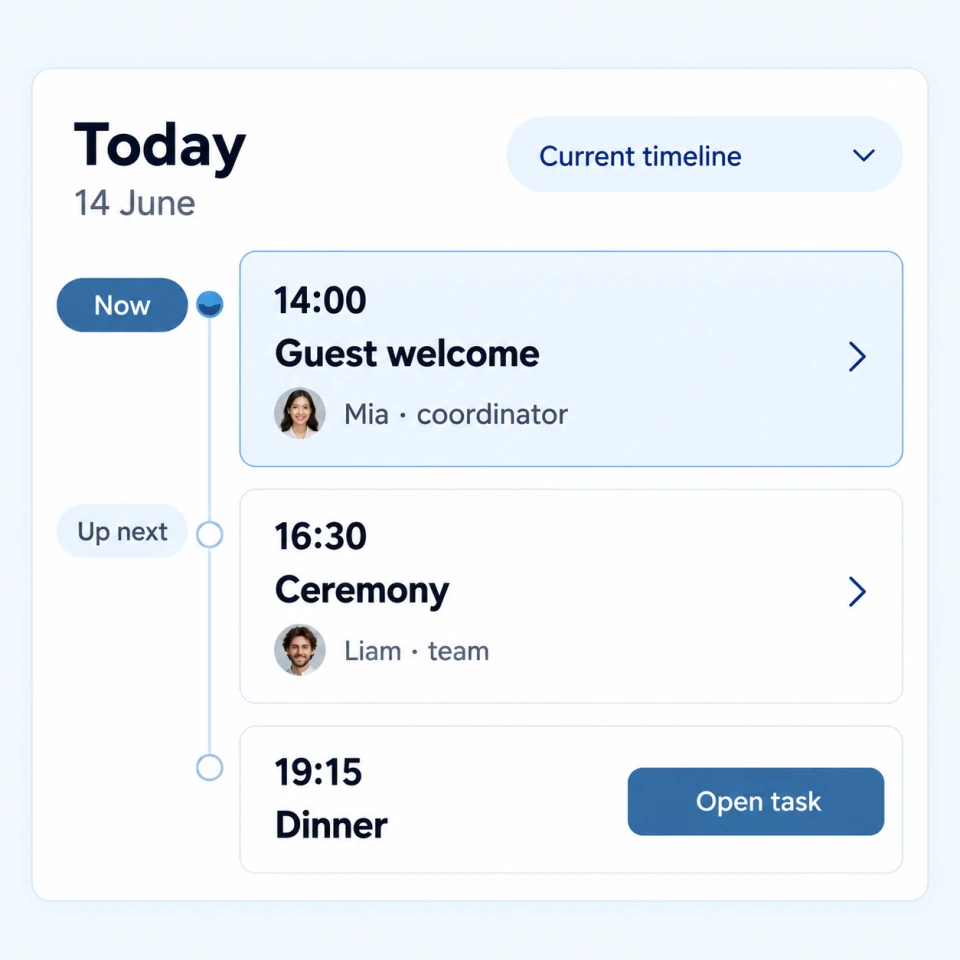
ActionCheck the current schedule, task status and requests for help as the day moves on.
ResultYou can see what is next and which assignment needs attention.
See which lead needs a reply, what the team owns next and how the event is progressing. Fixed recipes show a preview before they run, can be paused and keep an execution history.
Add enquiry, consultation or permitted gallery widgets to an approved site. Guest reminders follow recorded contact consent.
Reserve equipment for the right dates, record issue and return, and track consumables as they move into event use.
Organizers can bring venues, timings, team tasks, shifts, guest decisions and day-of details into one working plan.
Yes. Access is chosen for each person, so a teammate can work with assigned tasks and timing without receiving every private planning note.
Yes. The Today view keeps the current schedule, assignments and practical details close at hand; the offline pack is a prepared snapshot and should be checked before use.
Explore next
Early access. Create an account and confirm your email. To join an existing wedding, ask its couple or organizer for access.
Create account