Reply and choose your meal
You doSend your RSVP and requested meal choices through your personal invitation.
Other peopleThe couple or organizer prepares the invitation and chooses which questions to ask.

Open your personal invitation to reply, choose a meal when requested and check the event details shared with you. If you consented to SMS reminders, you can receive scheduled updates.
Your couple or organizer sends your personal invitation link. You do not need a planning account.
Guests
You doSend your RSVP and requested meal choices through your personal invitation.
Other peopleThe couple or organizer prepares the invitation and chooses which questions to ask.
You doRead the published programme and seating information shared for you.
Other peopleThe planning team publishes those details and updates the information in your invitation.
You doAdd a note or photos when the couple enables those options for your invitation.
Other peopleThe couple chooses which collections you can contribute to or view, and which downloads are allowed.
Follow one task from start to finish
Open the personal link sent to you, reply when requested and return to the published details before you travel.
Who acts: Guests

ActionFollow the link sent by the couple or organizer.
ResultYou reach the invitation and event details prepared for you.
Who acts: Guests
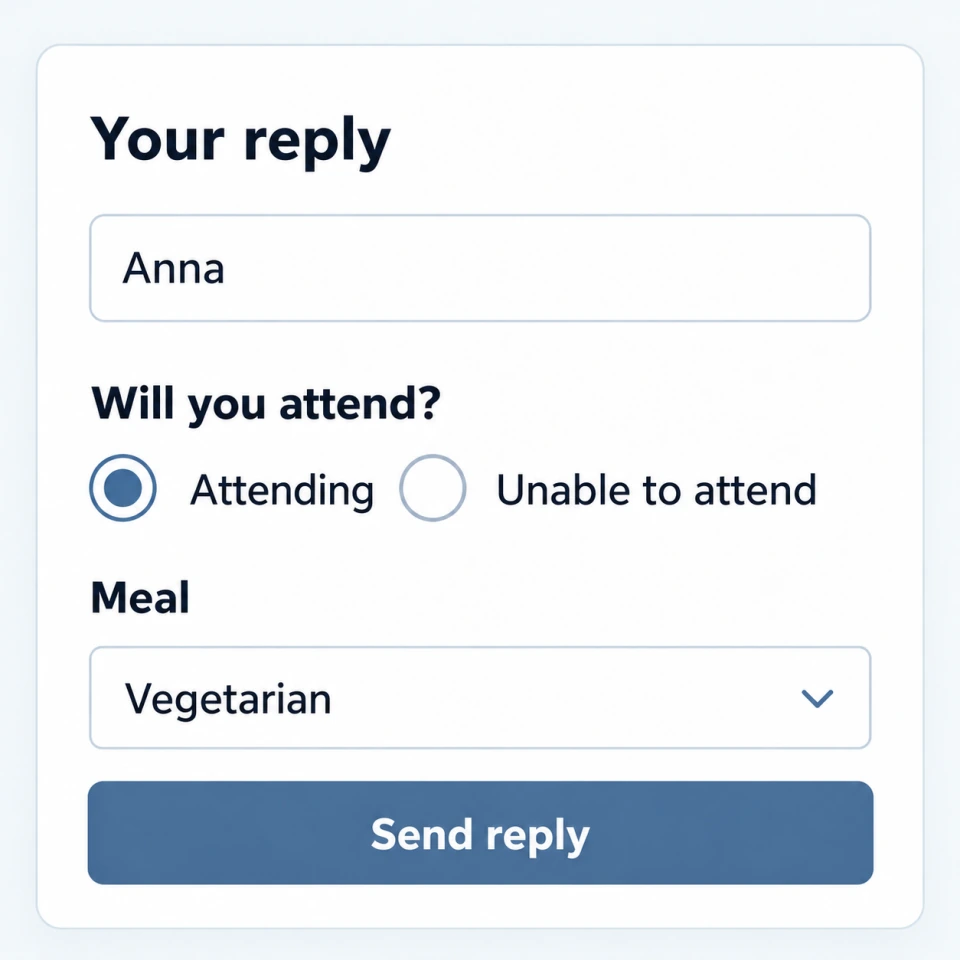
ActionConfirm attendance and choose a meal if the invitation asks you to.
ResultYour reply is recorded for the planning team; it is not an arrival check-in.
Who acts: Guests
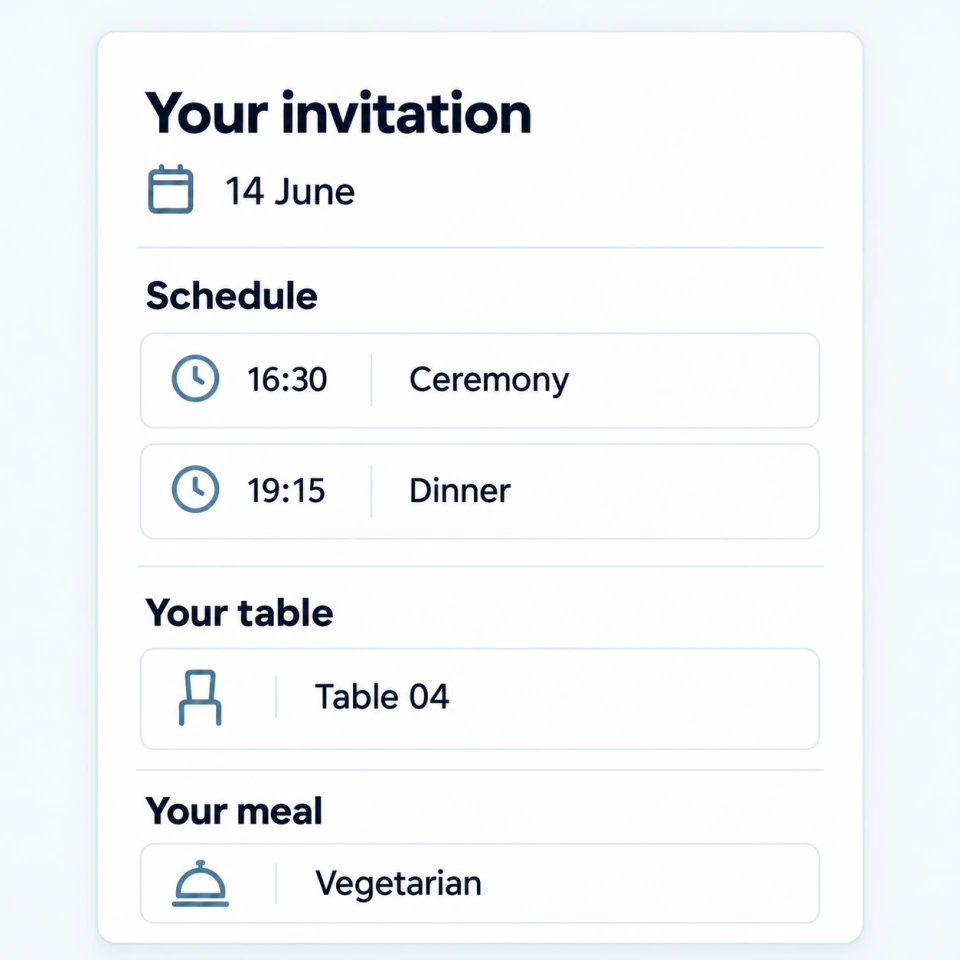
ActionReturn to your invitation for the time, table and menu shared with you.
ResultThe practical details are close at hand before the wedding. The organizer records arrival separately.
Use your invitation to reply, choose a meal when asked and return to details shared for your event. SMS reminders are scheduled only when you have consented.
Add a guestbook note or contribute photos when the couple opens those options.
No. Guests open their personal invitation in a browser on a phone or computer.
Depending on what the couple publishes, a guest can reply, choose a meal, check event and seating details, and use other available invitation actions.
No. A guest invitation shows the published details prepared for that guest, not the team's general working notes or other guests' private information.
Explore next
Your couple or organizer sends your personal invitation link. You do not need a planning account.
How your invitation works