
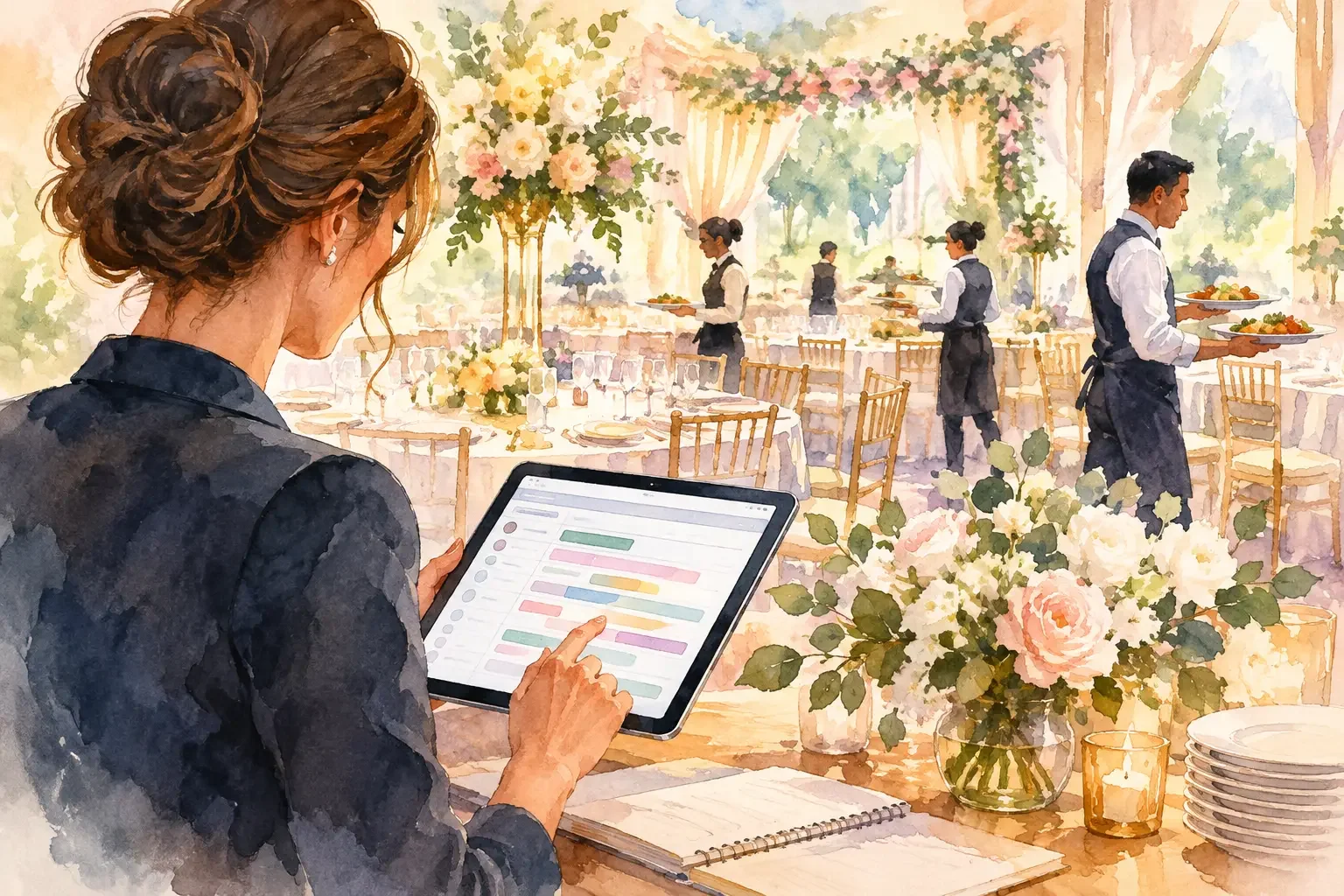
A wedding dinner can look effortless while relying on dozens of quiet decisions: when guests are invited to find their seats, which table needs a high chair, when speeches begin, and who confirms that the vegetarian entrée reached the right guest. Wedding banquet planning software gives those decisions a shared home, so the people running the reception are not searching through texts, printed diagrams, and last-minute email threads.
For couples, that clarity protects the part of the evening they should actually experience. For planners, caterers, venue teams, and family organizers, it makes the next action visible. A banquet plan is not simply a seating chart. It is the operational picture of how dinner will move from guest arrival to the final course.
Why the banquet plan deserves its own workspace
The reception dinner connects nearly every part of a wedding. Guest RSVP details affect meal counts. Meal selections affect catering preparation. Table assignments affect place cards, accessibility, and service order. The timeline affects when servers clear plates, when the band begins, and whether a speech interrupts a course.
When each detail lives in a separate tool, the plan may be correct in theory but difficult to use in the room. A planner has one version of the seating chart. The venue has another. A family member has a screenshot from two weeks ago. The caterer receives meal counts without the final table changes. Small gaps become visible precisely when the room is full and no one has time to reconcile them.
A considered wedding workspace brings the connected parts together without giving every person access to every private detail. The catering lead may need final dietary counts and service timing. The florist may only need arrival instructions and the table layout. Guests need their own table information, not a view of the full guest list. Clear access is as valuable as clear information.
What wedding banquet planning software should organize
The best system does not turn a wedding into an event-production exercise. It makes the decisions you have already made easier to carry out. Look for a workspace that connects the dinner plan to the people and timing around it.
Guest responses, meal choices, and dietary needs
An RSVP count is a starting point, not a service plan. Your catering team needs final numbers by meal selection, dietary requirement, and sometimes guest age or vendor meal status. Couples need an easy way to see who has not responded and whether a change affects the table plan.
Keep these details attached to the guest record rather than copied into a separate sheet. If a guest changes from chicken to vegetarian, the update should be visible wherever the meal count and service notes are reviewed. That reduces duplicate entry and makes it easier to confirm what is final before the caterer’s deadline.
There is a privacy trade-off here. Dietary requirements can be sensitive. A useful platform should let the people responsible for food service see what they need while limiting broad access to personal guest information.
Seating that works beyond the diagram
A visual table layout helps couples make thoughtful choices about conversations and family dynamics. On the wedding day, the same layout needs to answer practical questions. Where is the couple seated? Which table includes children? Where are guests who need easy access to an exit or restroom? Which tables are served first?
The software should make room for notes that do not belong on a public seating display. A venue coordinator may need to know that a guest uses a wheelchair. A planner may need to flag a table where late arrivals are expected. These details should support hospitality, not create more visible labels for guests.
Table numbers and names also need one source of truth. If the stationery changes a table from “Garden” to “Rose,” the host team, signage, seating list, and digital guest view should not be left using different names.
A service timeline with ownership
Dinner service needs more than a start time. It needs a sequence that accounts for guest seating, introductions, first course, speeches, table visits, dessert, and transitions to dancing. The exact order depends on your venue and catering style.
For a plated meal, the timeline may be shaped by kitchen pacing and synchronized service. For family-style service, it may account for food placement and table clearing. A buffet may need release times by table to prevent a long line. Wedding banquet planning software should let the team document the format, timing, dependencies, and person responsible for each moment.
Ownership matters most when the schedule changes. If portraits run late, someone must decide whether cocktails extend, dinner announcements shift, or the first course begins without the wedding party. A shared timeline gives the right people a current answer instead of leaving each team to make assumptions.
Vendor and venue briefs
The banquet plan touches equipment, floor access, staffing, and setup. A catering captain may need the final floor plan, headcount, special meals, and speech timing. The DJ or band needs cue points for entrances and toasts. The venue team needs to know when candles can be lit, when doors open, and who approves a room change.
Rather than sending one oversized document to everyone, create role-specific briefs. Each contributor receives the details required for their work, along with the current timeline and contact path. This keeps the plan practical and respects the fact that not every vendor needs the full guest list or family schedule.
Build the banquet plan in the order decisions are made
Trying to perfect the seating chart before meal responses are complete creates extra work. A calmer approach follows the natural sequence of planning.
Start by defining the reception format with the venue and caterer. Confirm room capacity, table sizes, service style, dinner duration, bar plan, vendor meals, and deadlines for final counts. These decisions shape every later choice.
Next, collect guest information in one structured place. Ask for RSVP status, meal selection, dietary needs, and any information that affects hospitality, such as a child’s meal or accessibility requirement. Keep the questionnaire focused. Guests are more likely to respond when the request is clear and easy to complete.
Then build the seating plan around the confirmed guest list. Give tables stable names or numbers early enough for signage and stationery, while recognizing that guest placements may still change. Record service notes alongside the layout, not in a separate private message that disappears when the planner is busy.
Finally, turn the plan into a day-of run sheet. Assign an owner to each critical handoff: confirming final meal counts, placing table markers, greeting guests into dinner, releasing buffet tables, cueing speeches, and resolving a missing place card. A task without an owner is usually a task someone discovers too late.
Make the day-of view simple enough to use
A detailed banquet plan is valuable before the wedding. On the day itself, people need a shorter view. The planner may need a full timeline, while the catering lead needs service cues and updated counts. A family member helping guests find their tables needs seating information and a contact person, not the entire vendor brief.
Prepare downloadable essentials when reception is unreliable. A venue with weak signal should not leave the team unable to access table assignments or service notes. Print a concise backup if the venue prefers paper, but make sure it is clearly marked with its final update time. A stack of old printouts can create as much confusion as no plan at all.
Wedumi supports this kind of role-based coordination in one private wedding workspace, bringing guest details, banquet plans, team shifts, vendor briefs, and a day-of Today view into the same operational plan. The point is not to add another system. It is to replace the scattered sources that make a simple question difficult to answer.
Choose software based on your reception, not a feature checklist
A small restaurant wedding may need only guest responses, meal choices, a compact seating plan, and a clear dinner timeline. A larger celebration with multiple rooms, cultural traditions, vendor teams, and a late-night room reset needs more detailed assignments and access controls. More features are not always better if the people involved cannot quickly find their next step.
Before choosing a platform, test it against a real banquet scenario. Can a guest update a meal choice without creating duplicate records? Can the catering team see dietary totals without accessing private family notes? Can a planner change the speech order and notify the people who need to act? Can the essentials be used when cell service is poor?
The answers reveal whether the software is built for collecting information or for carrying a real wedding through dinner service.
A well-run banquet does not call attention to its coordination. Guests find their seats, food arrives with care, and the room moves naturally from one moment to the next. Give every person a clear role, keep the plan current, and leave room for joy at the table.