
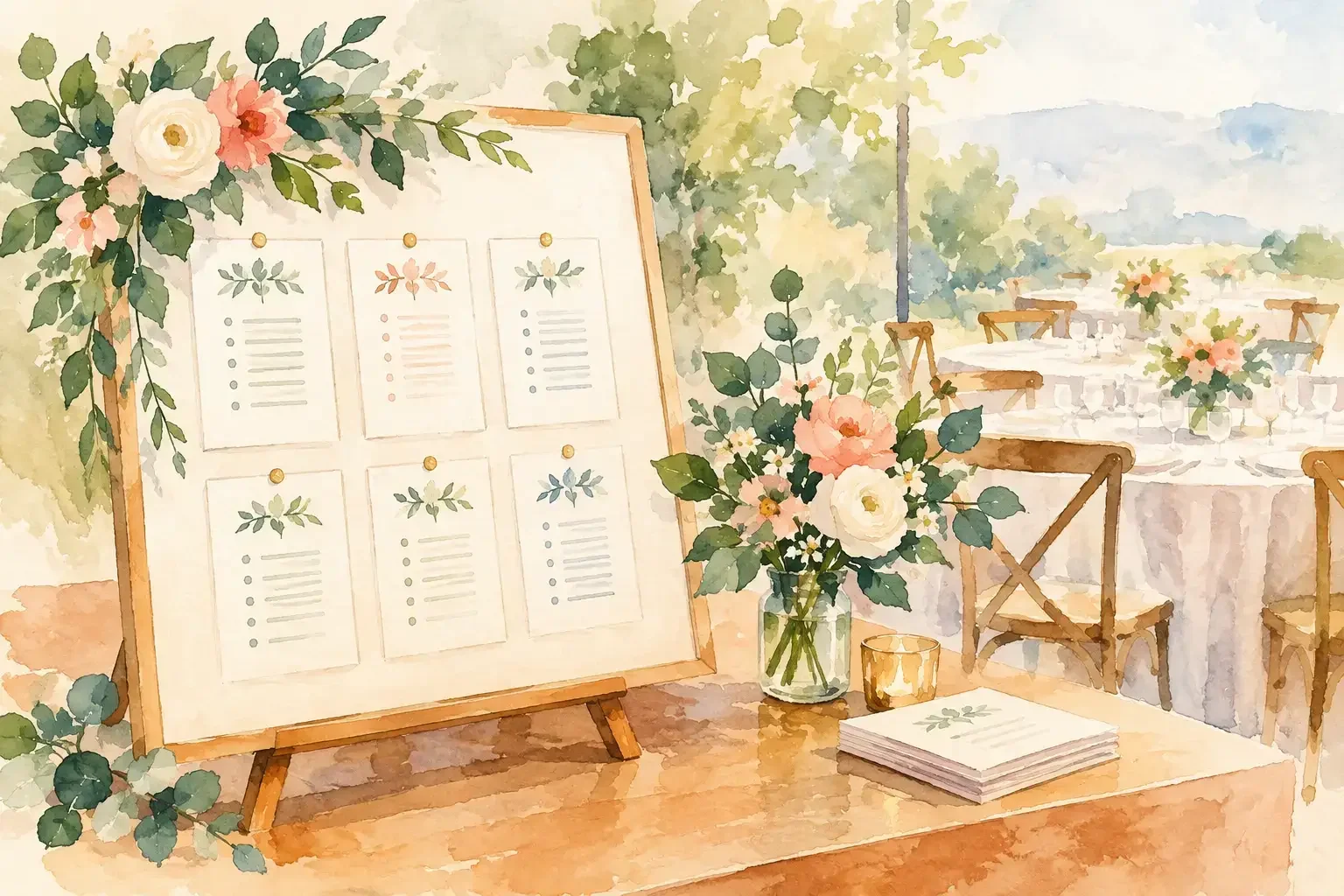
A seating chart is often treated as a final stationery task. In practice, it is an operational handoff. Knowing how to share seating details means giving each person the information they need without creating conflicting versions, revealing private guest information, or adding a question to an already full wedding morning.
The right approach is not to send the full chart to everyone. It is to keep one accurate seating plan, then share clear, role-specific views at the moments when people need to act. That gives guests an easy arrival, gives catering a reliable service plan, and gives your coordination team room to focus on the celebration.
Seating details are more than table numbers
Your seating plan carries several decisions at once: who is attending, where each guest sits, which meals or dietary needs require attention, who needs accessible seating, and how the room should be set. A guest only needs to find their place. A venue coordinator may need the room layout. Catering may need meal counts by seat. Your planner may need all of it, including the last-minute changes behind the final arrangement.
Trying to make one document serve every audience is where confusion begins. A printed chart that is perfect for guests may not show allergy notes. A catering spreadsheet may be useful for service but inappropriate to circulate among family members. A screenshot sent in a group chat can become outdated before the ceremony starts.
Treat seating as shared information with different levels of access. The principle is simple: give people what helps them do their part, and keep the complete plan in one controlled place.
Start with one definitive seating plan
Before sharing anything, decide where the final seating plan lives. This should be the single record your team trusts when a guest changes tables, an RSVP is corrected, or a dietary note is updated.
A useful master plan connects each guest to the details that affect the room and the meal: table assignment, seat if you are assigning individual places, party or household, menu selection, dietary requirements, mobility considerations, and any note that requires discreet handling. It should also show the table layout in a way that makes physical setup clear.
Avoid rebuilding the same chart in a design tool, spreadsheet, email attachment, and paper document. Multiple formats may be necessary, but they should come from the same source. If the head table changes from eight seats to ten, that update needs to flow through every version your team uses.
In a shared wedding workspace such as Wedumi, the seating information can sit alongside RSVP responses, menu choices, guest details, and the banquet plan. That connection matters because a seating assignment is rarely an isolated decision. It changes when guest information changes.
Set a clear owner for final changes
Even when several people contribute, one person should own the final update. This may be the couple, a planner, a trusted family organizer, or the venue coordinator, depending on the wedding.
Make the rule visible to the people who may receive requests: changes are sent to the seating owner, and the owner updates the master plan. This prevents the familiar problem of a cousin asking a sibling to switch tables while catering is working from another version.
You can still welcome input. The difference is that suggestions and confirmed changes are not the same thing. A simple decision point protects the accuracy of the plan.
How to share seating details by role
Once the master plan is settled, create a practical view for each audience. The goal is clarity, not maximum disclosure.
Guests need a simple way to find their place
Guests generally need their name, table number or table name, and perhaps an escort-card location or seating-chart instruction. If seats are individually assigned, include the seat only when it genuinely helps. For a formal dinner or a complex table shape, it can prevent uncertainty. For a relaxed reception, a table assignment may be enough.
For privacy, avoid publishing unnecessary personal details. A guest-facing display should not include meal choices, allergies, contact information, or relationship labels that could feel overly revealing. It should also be easy to read in low light and from a small distance.
A physical seating chart or escort-card display remains valuable because it works without a phone signal and gives guests a natural moment to orient themselves. A digital view can be helpful as a backup, especially for guests who want to check their table before arriving at the reception. Use both when the guest count, venue layout, or travel schedule makes that worthwhile.
The planning and venue team need the complete room view
Your planner, coordinator, venue captain, and setup team need a floor-plan view that shows table names or numbers, capacity, furniture placement, and the location of key groups. They may also need notes about accessibility routes, high chairs, vendor meals, children’s tables, or tables that should be served in a particular order.
Give this group access early enough to flag operational issues. A table arrangement can look balanced on screen but create a blocked aisle, make a guest’s mobility needs harder to accommodate, or leave service staff without a workable path. The venue team brings practical room knowledge that is difficult to see from a guest list alone.
Catering needs service information, not social context
Catering requires precision. Their version should connect table and seat assignments with entree counts, dietary needs, children’s meals, vendor meals, and any service notes. If meal indicators will appear on place cards, confirm that the indicator system is discreet, clear to staff, and consistent with the final catering list.
Do not assume a table number alone is enough for plated service. If servers are delivering distinct meals to individual seats, they need a reliable seat map. If service is family-style, buffet, or stations, table-level dietary awareness may be more appropriate. The format should follow the service style.
Family helpers and attendants need boundaries
A parent, sibling, or wedding party member may be helping guests find their tables. Give them a guest-friendly chart and a short instruction on who handles changes. They do not necessarily need access to allergy details, sensitive family dynamics, or the full RSVP history.
This is especially useful when family members are eager to help but have not been involved in every planning decision. Clear access avoids accidental promises and keeps the day calm.
Choose the right timing for each share
Seating details should not be shared all at once. The closer you get to the wedding, the more stable and specific the information becomes.
In the weeks before the event, share a preliminary room plan with your planner, venue, and catering team. This is the right time to test table sizes, service flow, and accessibility. Keep it labeled as provisional if RSVPs or menu selections are still moving.
A few days before the wedding, confirm the final guest list and issue the working version to the people setting the room and serving dinner. Check names, table labels, meal markers, and total covers against the venue and catering counts. Small naming inconsistencies matter here. “Chris and Taylor” should not appear as “Christopher Taylor” in one list and “Chris T.” in another if staff must match cards to seats.
On the wedding day, provide a guest-facing display at the reception entrance and keep a digital or printed backup with the coordinator. If a guest cannot find their name, the coordinator should have one reliable place to check rather than calling the couple during portraits.
Plan for the changes that still happen
A final seating plan reduces surprises. It does not eliminate them. A guest may arrive with an unexpected plus-one, a chair may need to be moved for mobility, or a table may gain an open seat after a late cancellation.
Build a modest contingency into the room where possible. This could mean holding a spare place setting, identifying tables with a little flexibility, or agreeing in advance how the venue will handle a last-minute addition. The right choice depends on the formality of the meal, room capacity, and catering policy.
Keep day-of changes small and documented. If someone moves, update the coordinator’s copy and tell catering if the change affects meal service. Do not rely on memory or a verbal chain of updates. One quick written note is more dependable than three well-intentioned conversations.
Make the handoff feel considered
The best seating communication is nearly invisible to guests. They arrive, find their name, sit with ease, and enjoy the people around them. Behind that simple moment is a clear source of truth, careful access, and a team that knows where to look when something changes.
Leave room for joy by making the next step visible. When every person receives the seating details that match their role, dinner service becomes one less thing competing for your attention.