
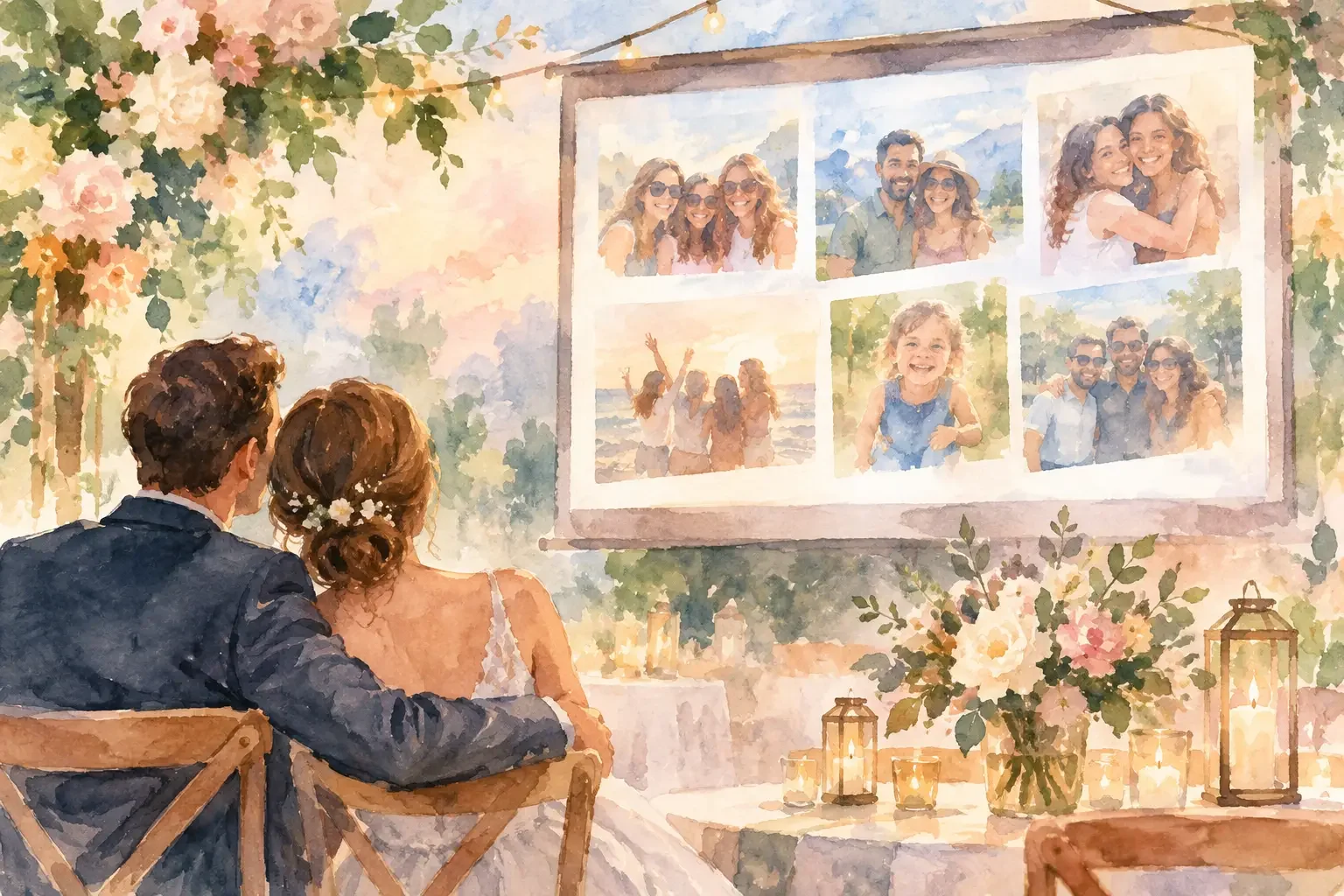
A guest photo slideshow wedding can capture the celebration from angles the couple will never see: a parent straightening a jacket before the ceremony, friends gathering at cocktail hour, children claiming the dance floor, and the quiet table conversations between courses. The idea is simple. The execution needs a little more care.
When photo sharing is left to a vague request and a public link, it often creates more work after the wedding. Guests are unsure where to upload, the best images stay on individual phones, and a live display can become distracting or inappropriate for the room. A considered plan gives guests one clear action, protects privacy, and lets the slideshow support the day rather than compete with it.
Start with the purpose of the slideshow
Before choosing a screen or sending an upload request, decide what the slideshow is meant to do. It may be a live view of guest perspectives during cocktail hour, a rotating collection of childhood and engagement photos during dinner, or a post-wedding album that grows as guests contribute. These are different experiences, and each needs its own timing and moderation.
A live guest feed brings energy. It works well near a lounge area, welcome party, or late-night dance floor, where guests can glance at it without missing a meaningful moment. It is less suitable during the ceremony, speeches, or first dance. Those parts of the day deserve attention without a changing screen in the background.
A curated display is quieter and more predictable. You can prepare it in advance, match it to the reception design, and add guest submissions only after someone has reviewed them. For couples who value a polished room and a calm flow, this is often the better choice.
The third option is to make the slideshow primarily for after the event. Guests upload throughout the weekend, and the couple reviews a fuller collection once the pace has slowed. You can still show a small selection at the reception, but the real value becomes a shared record of the day.
Give guests one clear way to contribute
The difference between an active photo collection and an empty one is usually not enthusiasm. It is clarity. Guests should not have to search an email thread, download an unfamiliar app at the bar, or guess whether they are allowed to add photos.
Share the photo request before the wedding, then repeat it where it is useful on the day. A short note in the guest information, a discreet sign near the reception entrance, and a reminder from the DJ or host are usually enough. Keep the instruction concrete: take a photo, add it to the private wedding collection, and see selected images on screen later in the evening.
Explain what you want them to capture. A broad invitation is kind, but a small prompt can produce better variety. Ask guests to share candid moments, group photos, details they noticed, or a favorite moment from the dance floor. If you are also collecting pre-wedding images for a dinner slideshow, specify a deadline and preferred photo types.
Avoid asking guests to tag social posts as the main collection method. Public social platforms can be useful for guests who enjoy sharing, but they are not a reliable archive. Some guests do not use them, some posts are private, and image quality or access can change. A private collection gives every guest the same path and keeps the wedding memories with the people invited to share them.
Make access match each person's role
Not everyone needs the same access. Guests need a simple upload point and, if you choose, a place to view the shared gallery. A trusted friend, planner, or family organizer may need permission to review images, remove duplicates, and approve photos for the screen. Your AV contact needs display details, not access to private guest information.
This role-based approach is especially useful when several people are helping with the wedding. The person managing the slideshow can focus on the feed. The couple can stay present. Vendors receive only the practical details needed to set up and run the display.
A shared wedding workspace such as Wedumi can keep photo uploads, the event timeline, guest communication, and day-of responsibilities together, so the slideshow is not managed through another scattered chain of messages.
Decide whether the display should be live or reviewed
A live slideshow has a trade-off: the more immediate it feels, the less control you have over what appears. Even thoughtful guests can upload blurry duplicates, photos of people who prefer not to be shown, or images that make little sense outside the moment.
For a formal reception or a mixed-age crowd, review before display is usually the safest setting. Assign one or two people who understand the tone of the event. Their job is not to curate every image perfectly. They simply make sure the screen remains welcoming, appropriate, and varied.
If you choose a live display, establish gentle boundaries in advance. Ask guests not to upload ceremony photos if you have requested an unplugged ceremony. Remind them to be considerate when photographing children and anyone who has asked not to be included. Keep the screen away from the head table and ceremony focal points, so it adds atmosphere without asking for attention.
It also helps to set a display delay. A short pause gives the person overseeing the feed time to remove an accidental upload before it is visible. This small operational detail can protect a relaxed experience.
Build the slideshow into the wedding timeline
A screen, projector, and photo feed do not run themselves. Add the slideshow to the same operational plan as the florals, place cards, music cues, and dinner service.
Confirm when the display arrives, who supplies power, where cables will run, and who tests the connection. If the venue has weak reception, do not assume guest uploads or cloud-based playback will work reliably. Download the prepared slideshow in advance, and have a backup file available on the device that will run it. For a live feed, consider a dedicated hotspot or a plan to collect images for later display instead.
The timeline should also name the person responsible at each point. One person can turn on the screen before guests arrive. Another can check it after dinner service begins. Someone should know how to pause it during speeches, if needed, and how to shut it down at the end of the night. Clear ownership prevents the familiar moment when everyone assumes someone else has handled it.
Place the screen with the room, not against it
Where the slideshow sits changes how it feels. A large screen behind the couple can overpower the room and pull focus from toasts or dancing. A smaller display near the guestbook, lounge, or photo booth can create a natural gathering point instead.
Think about sightlines and brightness. Projectors struggle in daylight and in bright tented receptions. TVs are often more reliable for a daytime event, while a projector may create a warmer, more immersive effect after dark. Ask the venue where power outlets, safe cable routes, and dimmable areas are available before finalizing the layout.
Keep the slides themselves simple. Use images at a comfortable pace, avoid busy transitions, and choose readable text if you include names or a welcome message. Guests should be able to look up, recognize a moment, and return to their conversation.
Protect privacy without making participation difficult
Wedding photos are personal. A private slideshow lets you honor that without turning a friendly guest activity into a complicated policy.
State where the photos will appear and how long the collection will remain available. If the display is visible to everyone at the reception, say so. If only invited guests can access the final album, make that clear as well. Couples who want more discretion can allow uploads without making the gallery browsable to all guests.
Consider your guest list with care. You may have children, colleagues, people navigating family boundaries, or guests who simply do not want their image shared. A visible opt-out option is respectful. Your photo manager should know how to remove an image promptly, with no questions asked.
The same principle applies to post-wedding sharing. Download and preserve the collection while access is available, then decide whether the gallery will remain open, close after a set date, or become part of a private album for the couple and close family.
Leave room for the moments no one planned
The best guest photo slideshow is not the one with the most uploads or the most elaborate display. It is the one that fits naturally into the celebration and leaves the couple free to be in it.
Set a clear invitation, give one trusted person ownership, test the technology before guests arrive, and keep a backup ready. Then let the collection become what it should be: a record of the small, joyful moments happening beyond the center of the room.